1. Overview
The Format → Images style allows you to enter a sequence of image names in a cell and display them inline.
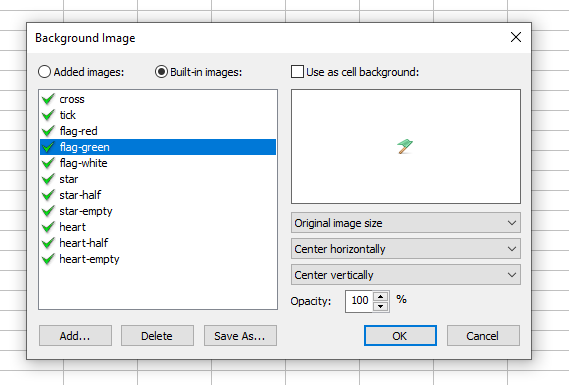
Each workbook includes a predefined set of image names such as buttons, flags, and symbols. For example, entering:
star, star, star, star, star-half, star-empty, star-empty
will display a 7‑star rating with 4.5 stars:

2. Adding Custom Images
To add your own images to a workbook, use the Images List toolbar button or the Background Image command in the Cell Format dialog.
The Workbook Images dialog allows you to view and manage all added images: