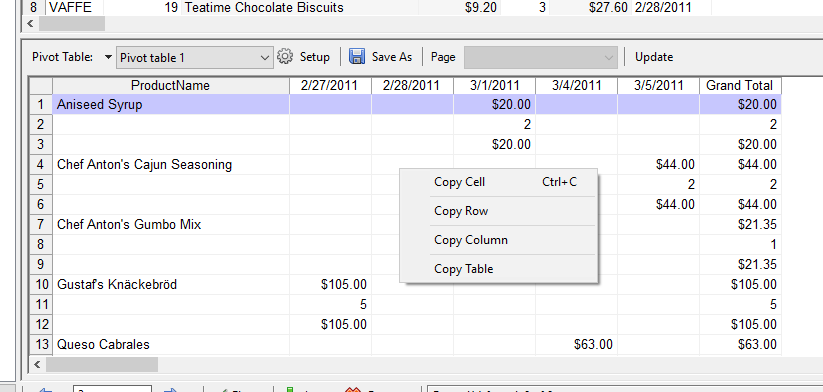
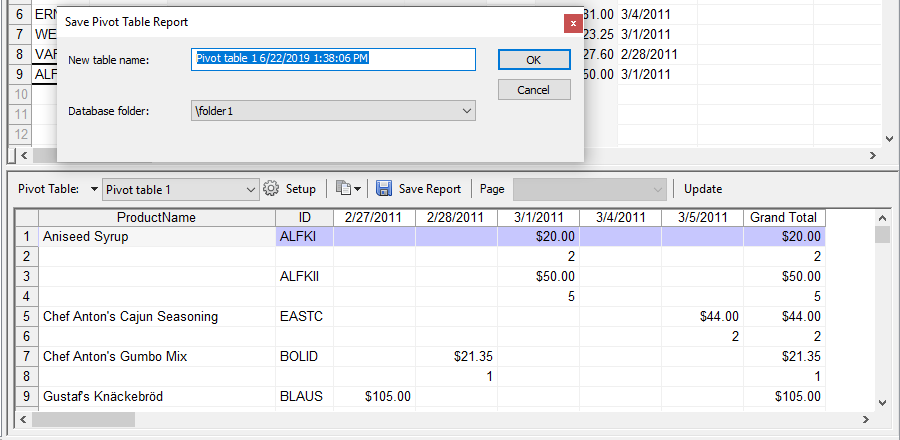
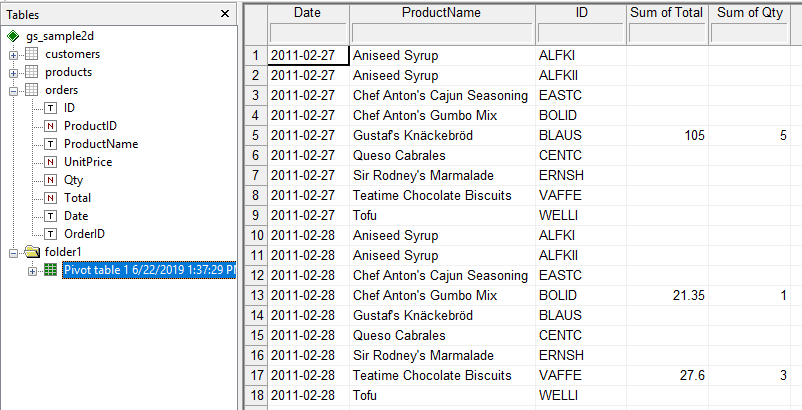
Clicking the Save icon in the Pivot Table View enables you to save a new time-stamped report for a given pivot table.
The procedure looks as follows:
You can also simply copy the pivot table data to other programs, either as an image or using a few Copy commands from the context menu: