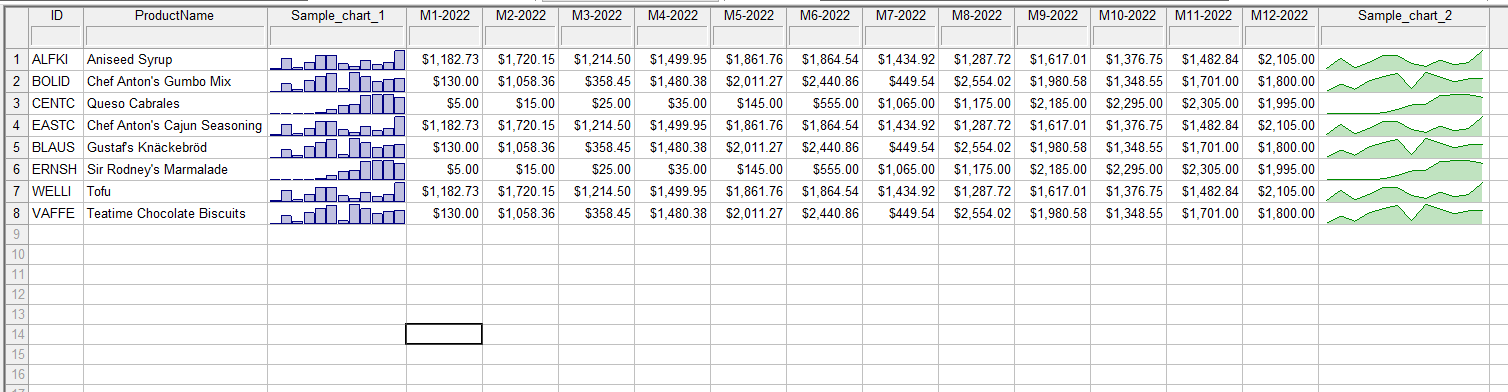
The Format > In-Field Chart command enables you to create any number of cell mini-charts
with a single click.
All parameters and display options are set up automatically. You can change the data series color by changing the font color
for a given field. The number of charts is practically unlimited: it's 256 million times the number of fields using this format.
The maximum series size equals the maximum number of table columns (16K) minus one.
By default, you apply this in-field format to field(s) at the end of a data series placed in a group of subsequent fields/columns.
However, the chart(s) can also be displayed at the beginning of such a series by specifying field text alignment to the right.
Sample in-field charts: