Use the View > Dual View command to split the main GS-Base window into two panes that display two database views independently. This enables you to browse and edit two different tables at the same time.
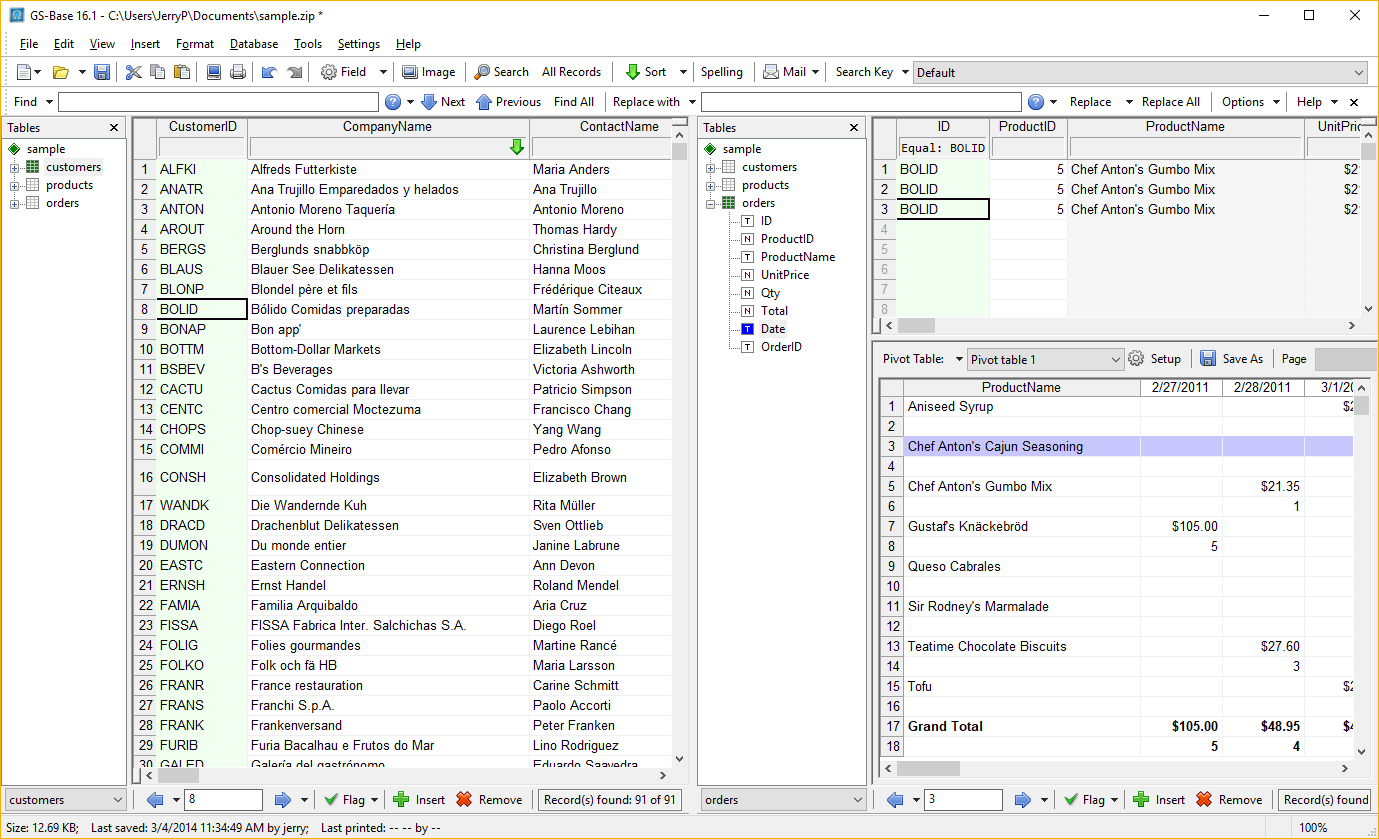
Use the View > Dual View command to split the main GS-Base window into two panes that display two database views independently. This enables you to browse and edit two different tables at the same time.