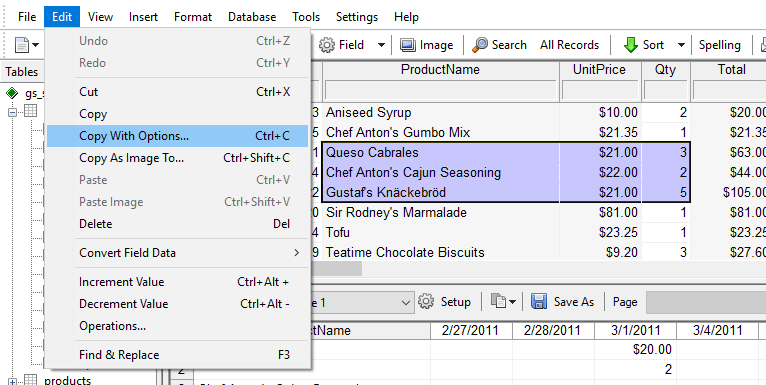
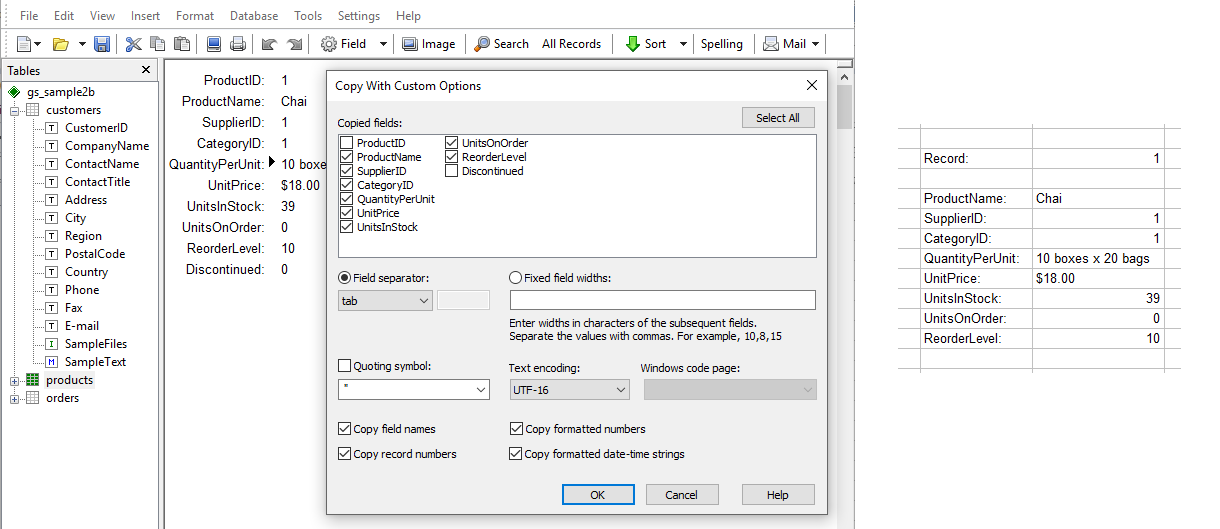
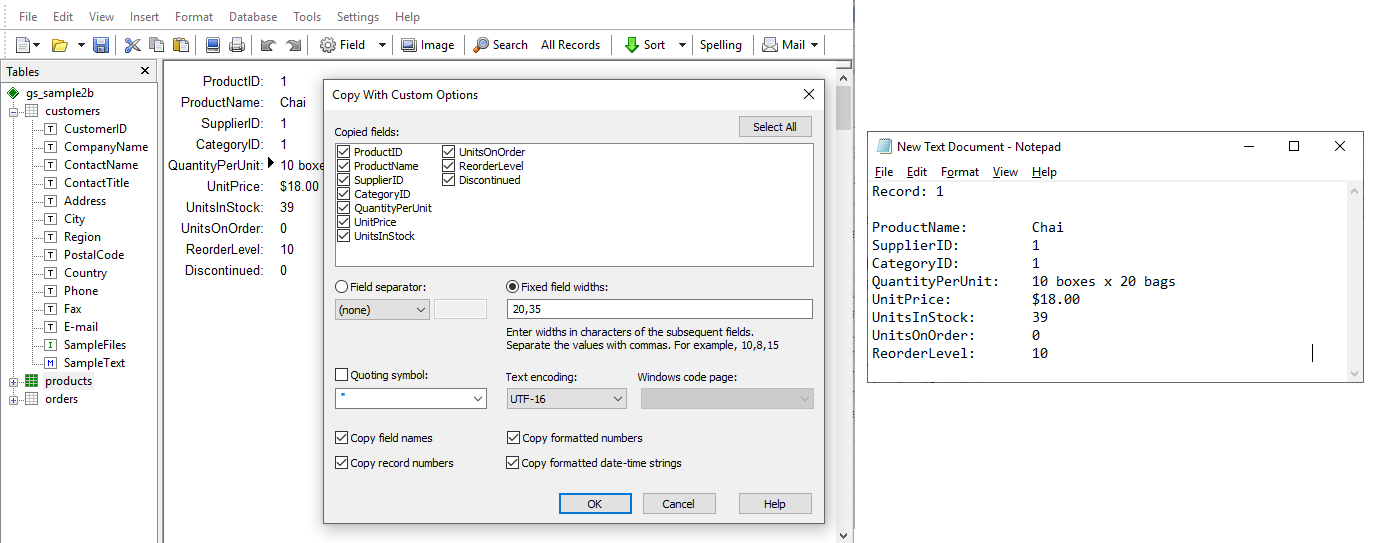
The Copy With Options command has been introduced as an enhanced alternative to the standard Copy command. It provides flexible control over how data in both tables and forms is copied from GS-Base to external applications. The Ctrl+C shortcut can be assigned to either command, allowing users to choose the behavior that best fits their workflow.
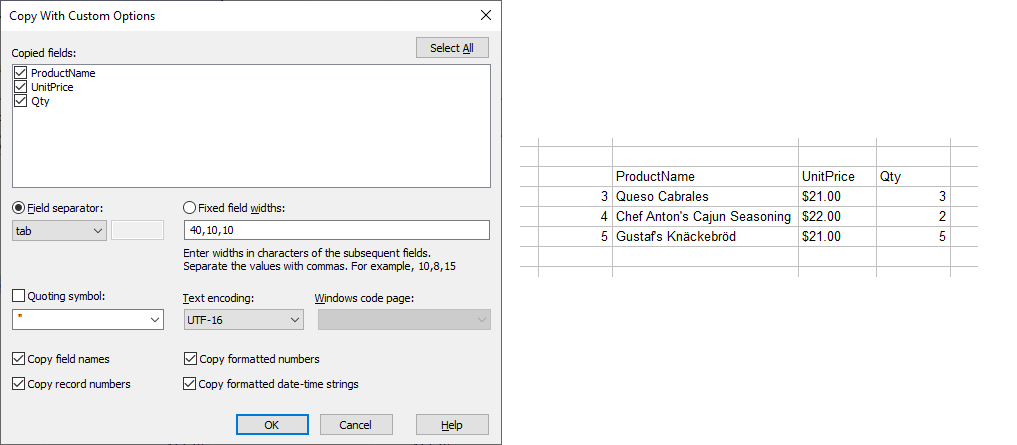
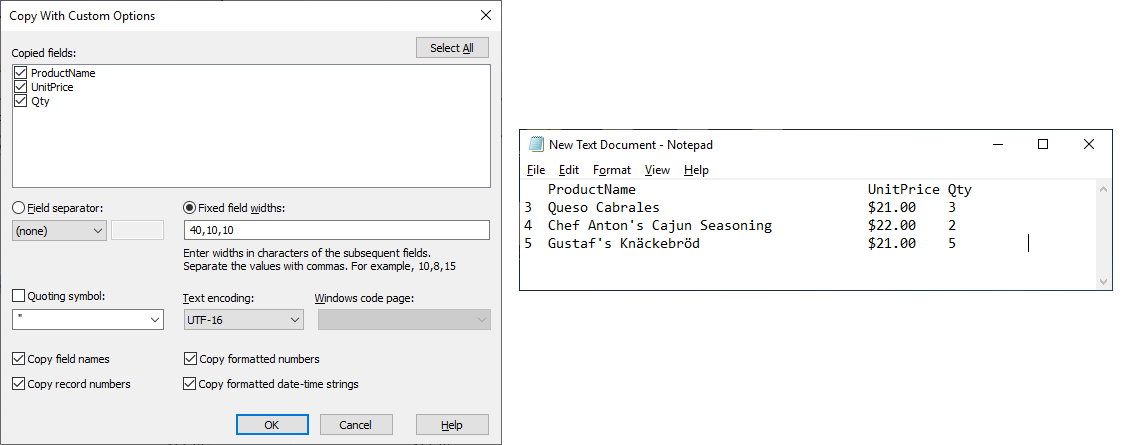
Below are sample screens illustrating different copy configurations, along with examples of how the copied content appears in a spreadsheet and a text editor.